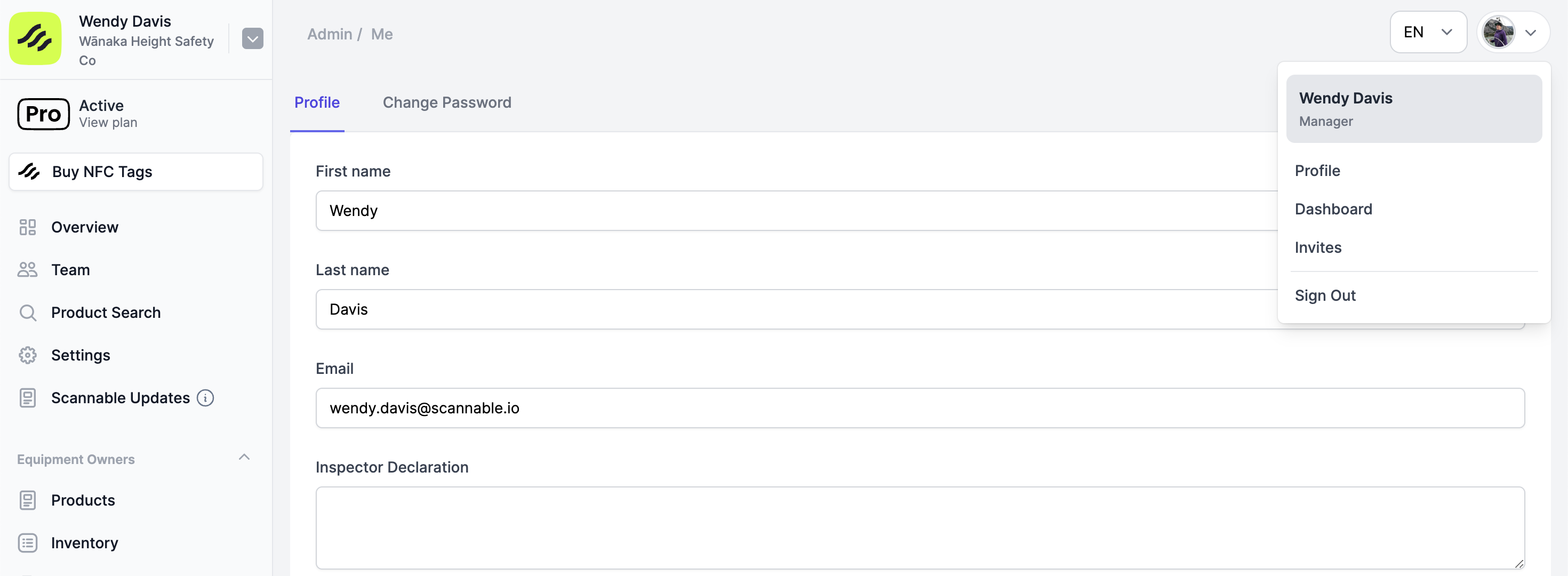
To set your declaration
- Click on the profile dropdown (either your profile photo or initials) in the upper right hand corner of the web-app, and select ‘Profile’
- Complete the ‘Inspector Declaration’ field
- Upload an image of your signature to the ‘Signature’ field
- Click ‘Update’
- This declaration and signature will now appear on your Thorough Examination reports