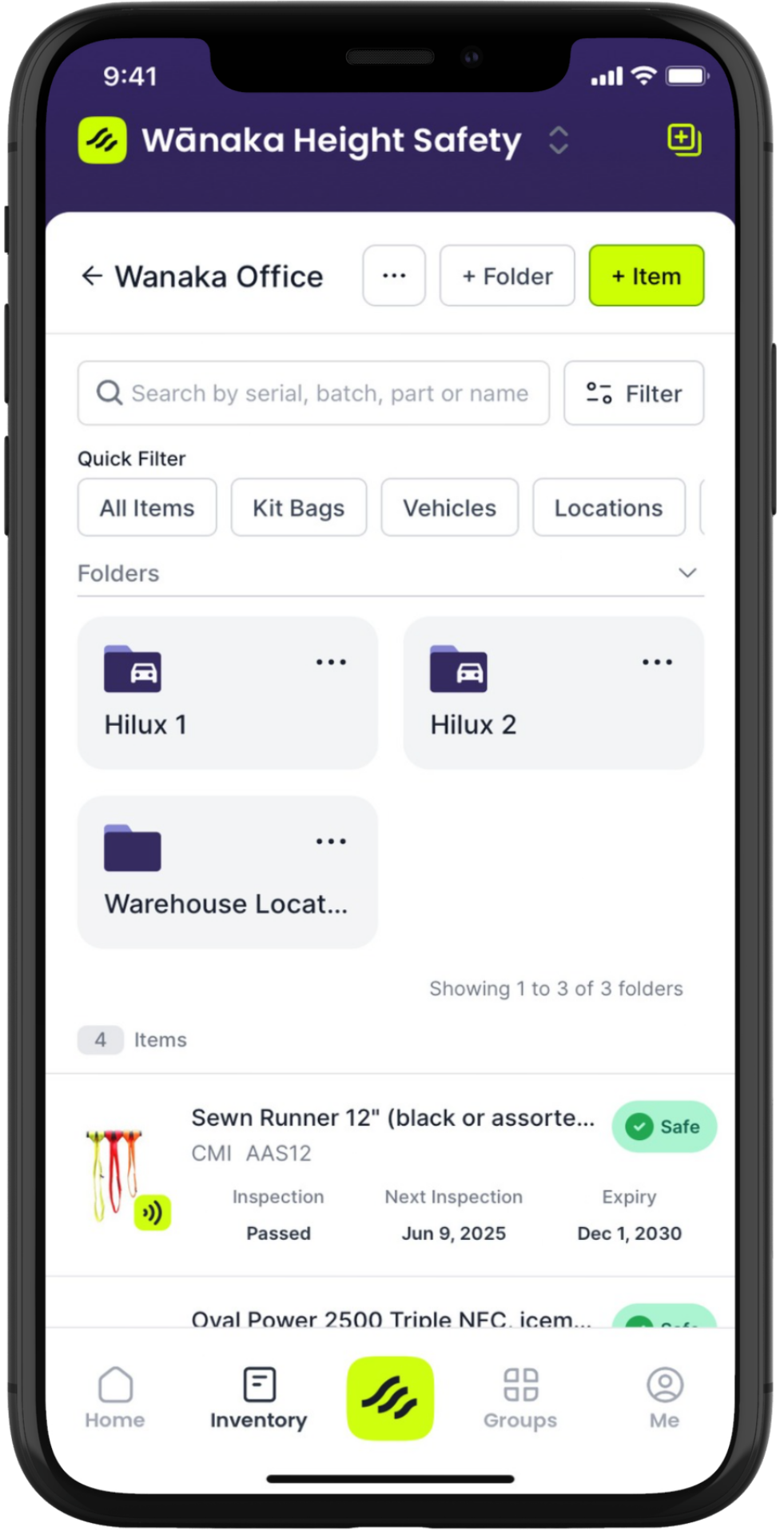
The folders feature allows you to structure and organise your equipment in a way that accurately represents where your equipment is and how it is allocated.
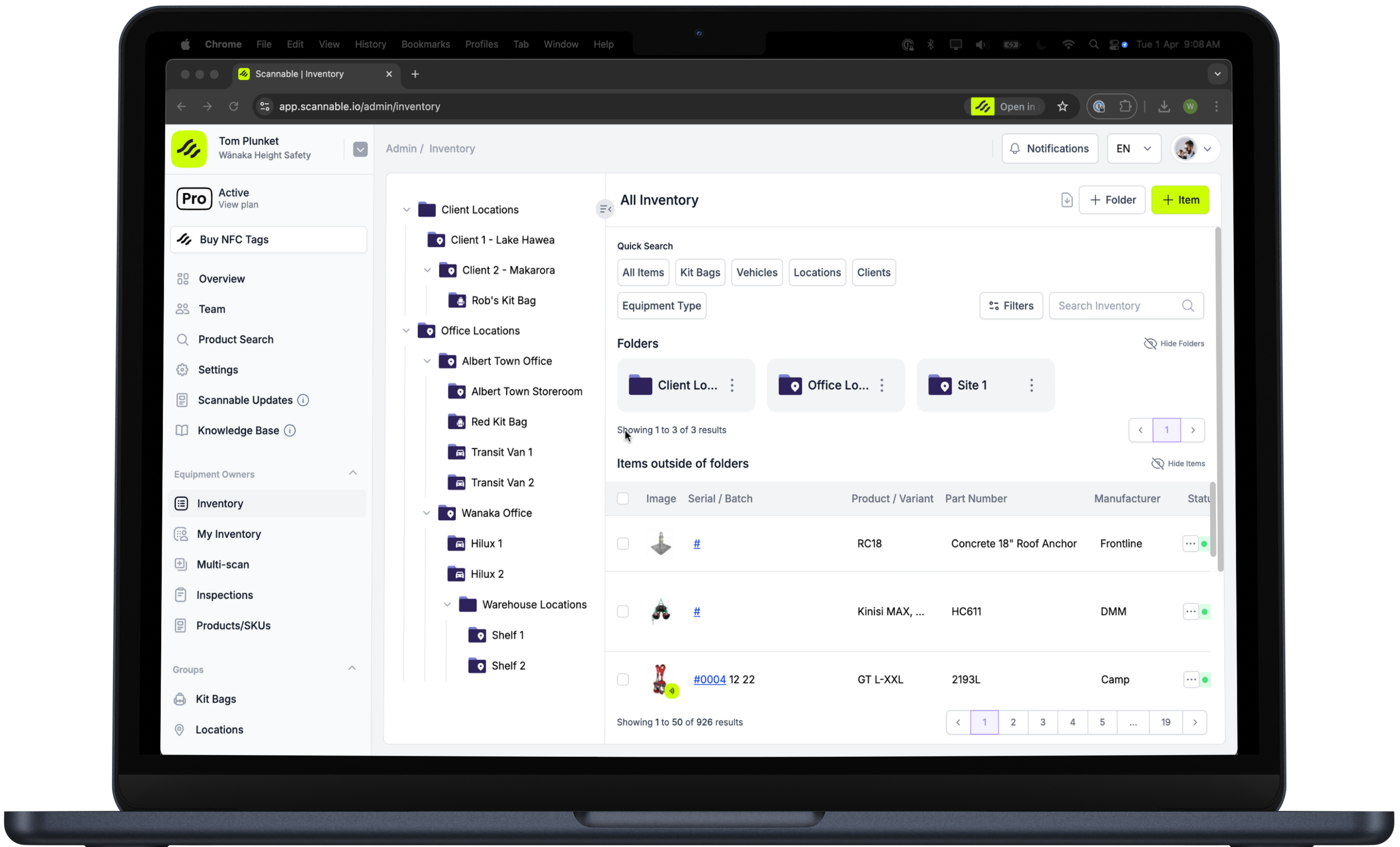
Organise your equipment in a way that mirrors what your gear actually looks like on the job by nesting subfolders inside folders. It’s just like you would organise files on your computer.
As your equipment inventory and organisation grows, Folders provide an easy way to identify the exact location of your equipment: what job it’s assigned to, what vehicle it should be in, and the team member it’s assigned to. Finding the equipment you need and checking equipment in and out of the stores room is now faster and easier with Folders.